
Events in South Tyrol
Your event. Well planned.
Eventrix is your event platform for South Tyrol. Find catering, venues, music, technical equipment and other local suppliers for weddings, corporate events and private parties.
What do you need for your celebration?
Choose individual services or get support with the whole planning process. It’s up to you.
Catering & Beverages
From finger food to festive menus, with matching drinks.
Venues & Equipment
The right place, furniture and equipment for your occasion.
Music & Entertainment
DJs, bands and shows for the right atmosphere.
Photo & Video
People who capture the special moments.
Decoration & Technical Equipment
Decoration, lighting and sound that work together.
Planning & Staff
Coordination, delivery and on-site support.
Simply organized
From the first idea to a memorable celebration.
Whether it’s a wedding, company party or private celebration: choose the services that suit your occasion. Eventrix connects you with local providers to bring your plans together.
01
Select
Explore services and make your selection.
02
Inquire
Tell us the date, location and your wishes.
03
Coordinate
Review your quote and keep track of your plans.
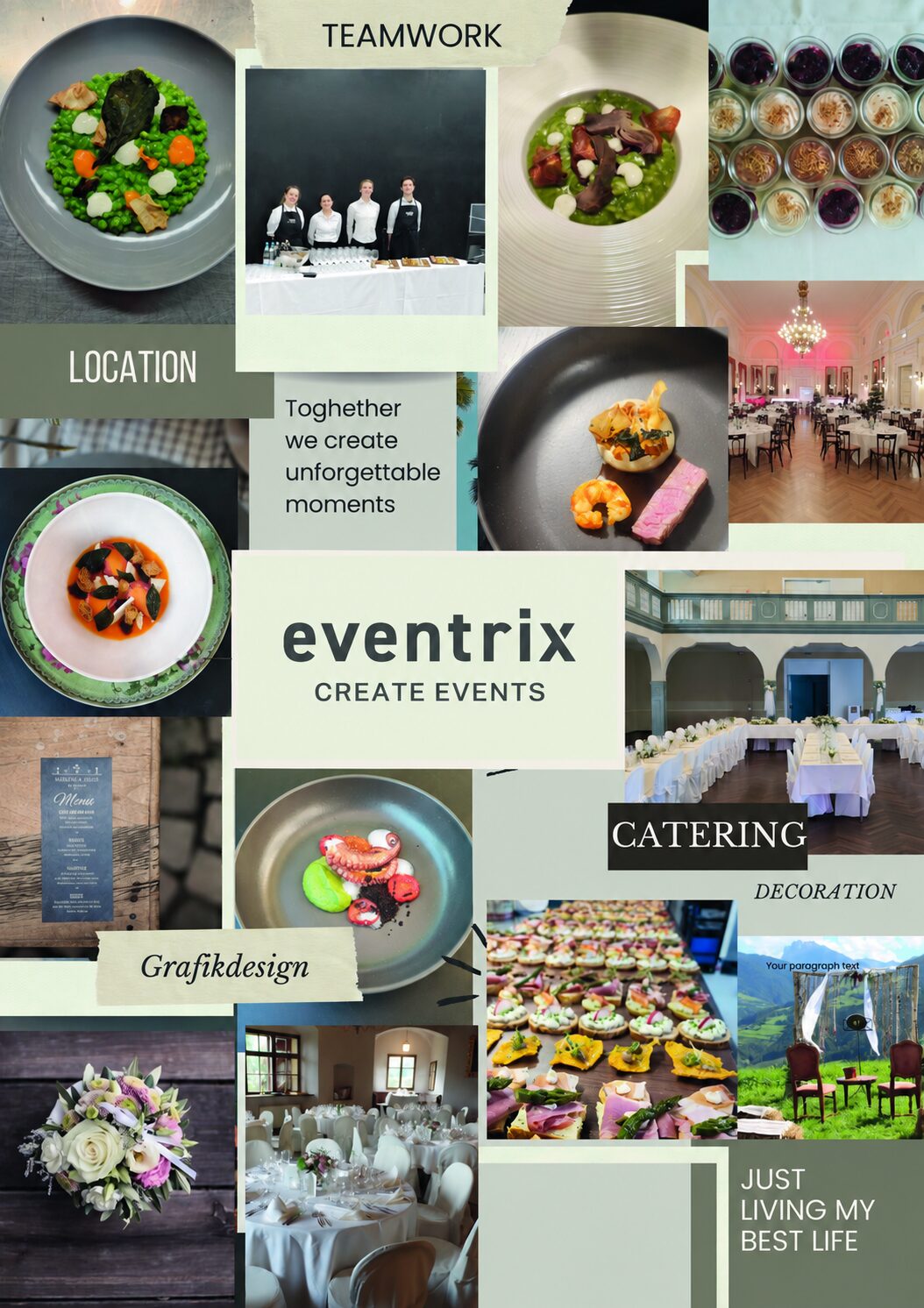
Experience that thinks ahead
Careful planning. Thoughtful choices.
Regional products, careful handling of materials and clear agreements are part of our approach. We are guided by Green Events standards.
Our many years of experience help us take care of even the smallest details.
3k+
Happy customers
35
Years of experience
25+
Experts in our network
400
Events per year
Eventrix for your business
Showcase your services on the portal or use individual software modules for your business. Organise your own occasions with an event website and ticket sales.
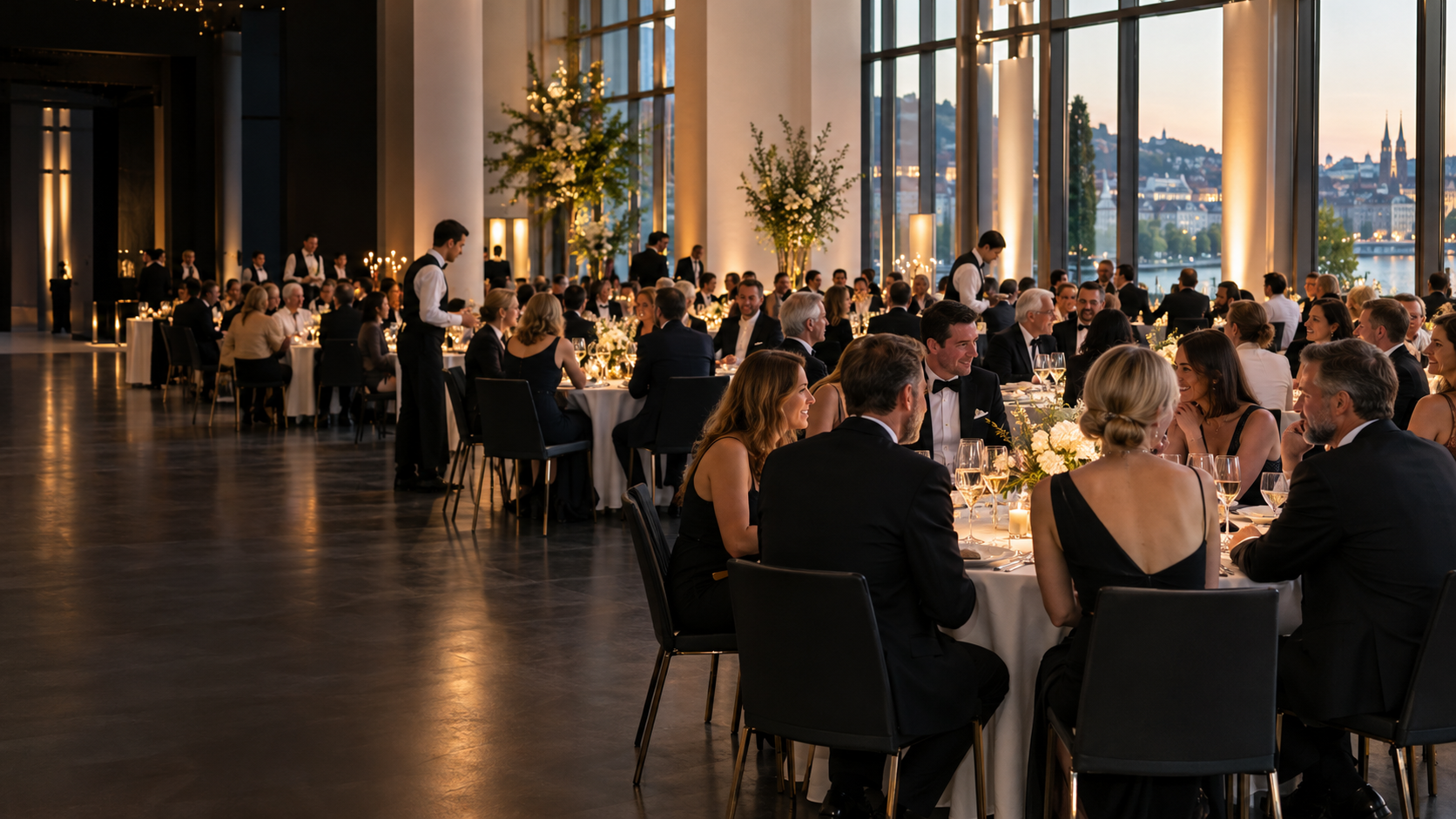
EVENTRIX · SÜDTIROL / ALTO ADIGE
Big moments. Shared together.
Events and special occasions
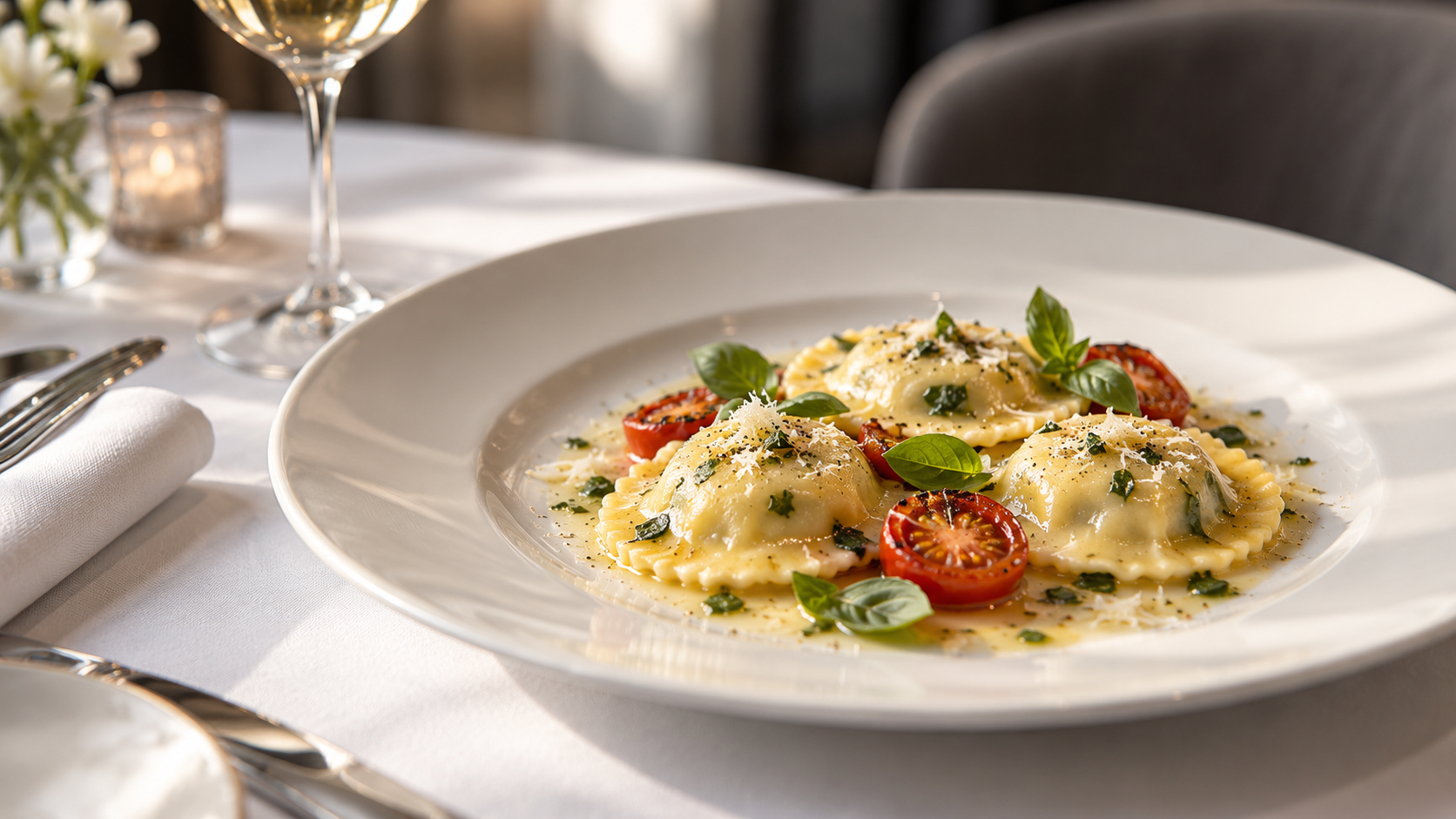
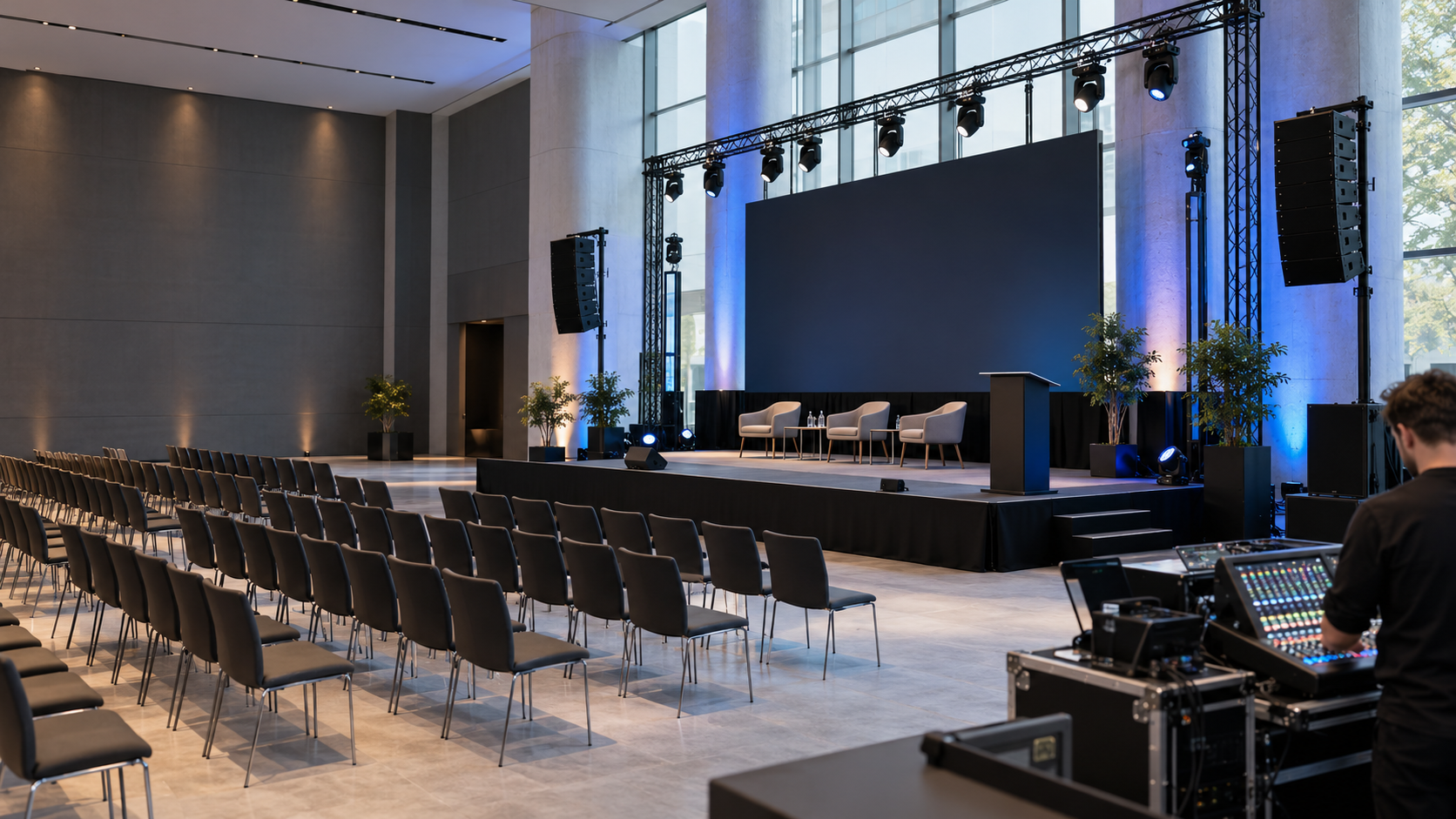


Your occasion. Your special place.
Find everything for your event in South Tyrol.
EVENTRIX APP
Your event. Your business. Also in an app.
Use Eventrix on your smartphone, tablet or computer. Customers can plan their event and access their documents. Vendors can manage their business in their own workspace.
For customers
Choose services, build your event and access requests, quotes, orders and documents in your personal area.
- Discover products and services
- Build your event
- Send quote requests
- Quotes, orders and PDFs
What you can manage as a customer
- Discover products and services
- Browse the shop and choose services for your event.
- Build your event
- Select services and staff for your occasion.
- Send quote requests
- Review your selection and submit a request.
- Quotes, orders and PDFs
- Access your own records and download the available PDF documents.
- Event modules and seating plans
- Use additional modules and seating plans enabled for your event.
- Account, addresses and downloads
- Manage contact details and addresses and access your downloads.
For vendors
Your mobile office: email, quotes, invoices, products, events and your enabled business modules.
- Email and communication
- Quotes, orders and invoices
- Products, services and availability
- Customers and business profile
All vendor features
- Email and communication
- Use your inbox and outbox, manage messages and work with templates in the enabled email module.
- Quotes, orders and invoices
- Manage your own records, view documents and download PDFs; use the editing and sending tools available to your account.
- Products, services and availability
- Manage images, prices, quantities and blocked dates, and access your availability calendar.
- Customers and business profile
- Manage customers, billing addresses, company details, your logo and documents.
- Events and appointments
- Organise events and their information in your own workspace.
- Team, work orders and HACCP
- Manage staff, shifts and hours; use enabled work lists and HACCP checks for your business.
- Inventory and purchasing
- Manage stock, suppliers, requirements and supplier orders in your enabled purchasing area.
- Recipes and production
- Organise your recipes, collections and production information.
- Planning and presentation
- Use enabled seating plans, customer event portals and menu design tools; additional catalogue and event modules depend on your access.
- Modules and access
- Review the modules and access available to your business in your own module area.
Use your existing Eventrix account. Available areas depend on your account permissions. An Internet connection is required.
How to install Eventrix
iPhone / iPad: open the app address in Safari. Tap Share and choose “Add to Home Screen”. Enable “Open as Web App” if offered.
Android: open the app address in Chrome and tap “Install app” in Eventrix. Alternatively, use the browser’s ⋮ menu to install the app or add it to your home screen.
Computer: open the app address in Chrome or Edge. Use the install icon in the address bar or the installation option in the browser menu. If installation is unavailable, Eventrix also works in the browser.
If you follow a link from WhatsApp, Instagram or another app, open it in your regular browser first.